Tracking your energy consumption
If you own a smart meter in Belgium, the simplest way to track your energy consumption is through your smart meter. Either by going to your energy provider (Sibelga in Brussels) or by extracting the data through the P1 plug of your smart meter.
Using the My Sibelga app
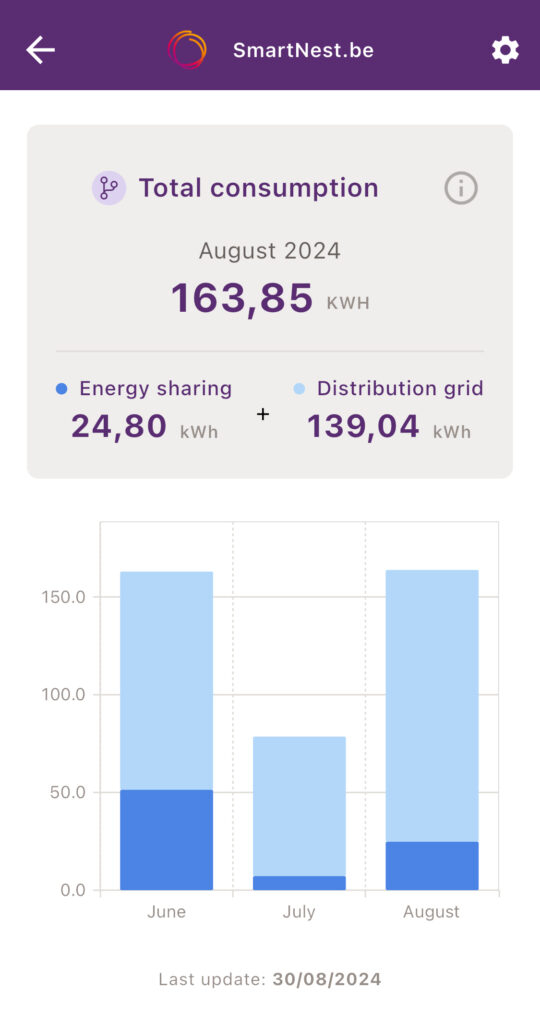
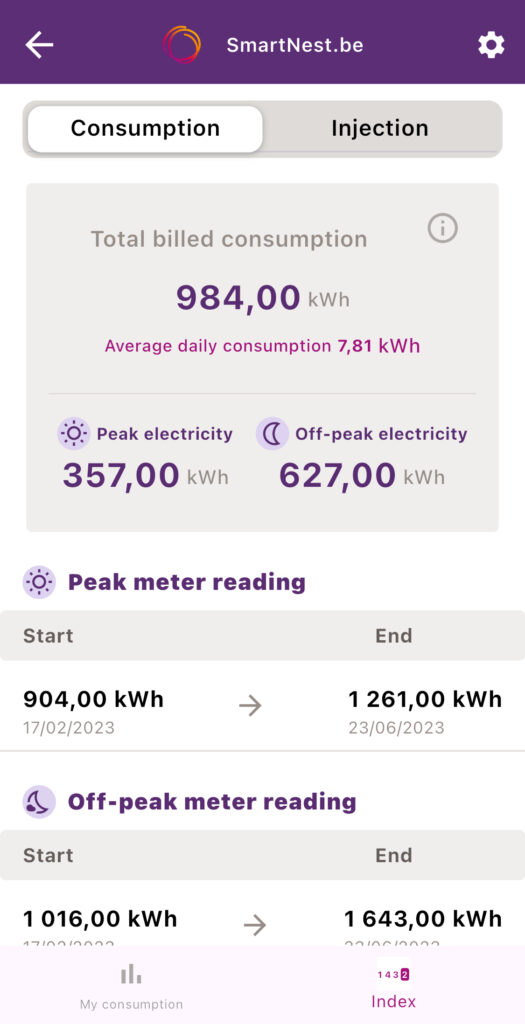
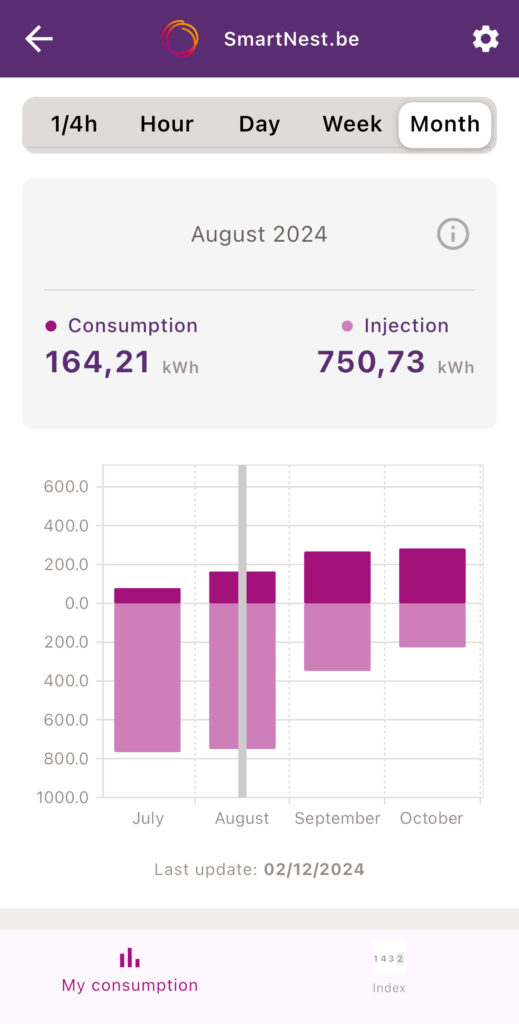
One way to keep track of your power consumption is the My Sibelga app. It’s free but it doesn’t have real time data and it will often only have the data from the day before.
It does display peak and off-peak hour details, details about your index values and even details around energy sharing (with a delay of a few months).
- Free
- Quick to setup
- Historical data
- Not in real-time
- No Smart home integration
HomeWizard P1
If you own a smart meter in Belgium, another way to track your energy consumption is through the P1 port of your smart meter.
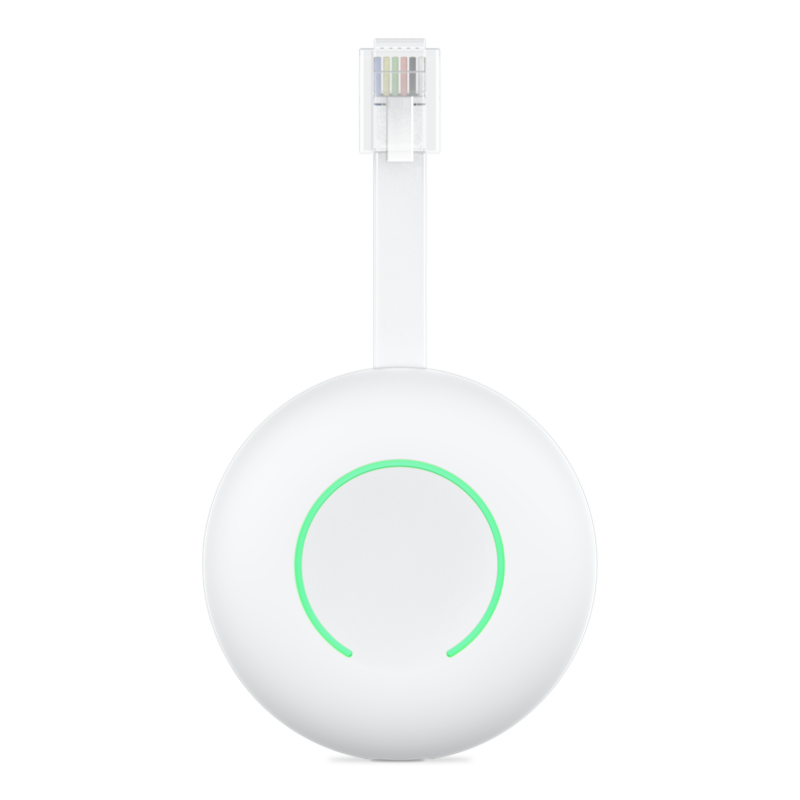
Multiple options exist but one of most popular option is the HomeWizard P1 Meter. Sold at around 25€ by Dutch company HomeWizard, it’s a very simple plug and play solution that requires no technical skill.
The P1 meter is also the base for the HomeWizard Battery which is a plug and play home battery that uses the P1 meter data to know when to store or inject electricity into your home and increase your autoconsumption. We will try to test this battery once it’s readily available in Belgium.
It’s also a very geek friendly option with its local API and HomeAssistant integration.
Installation
The device must be put into the P1 port of your smart meter. The meter will power the device so there is no need to fiddle with a battery or find a nearby power plug. It will extract the data every second and you have multiple options to visualise it.
The HomeWizard app
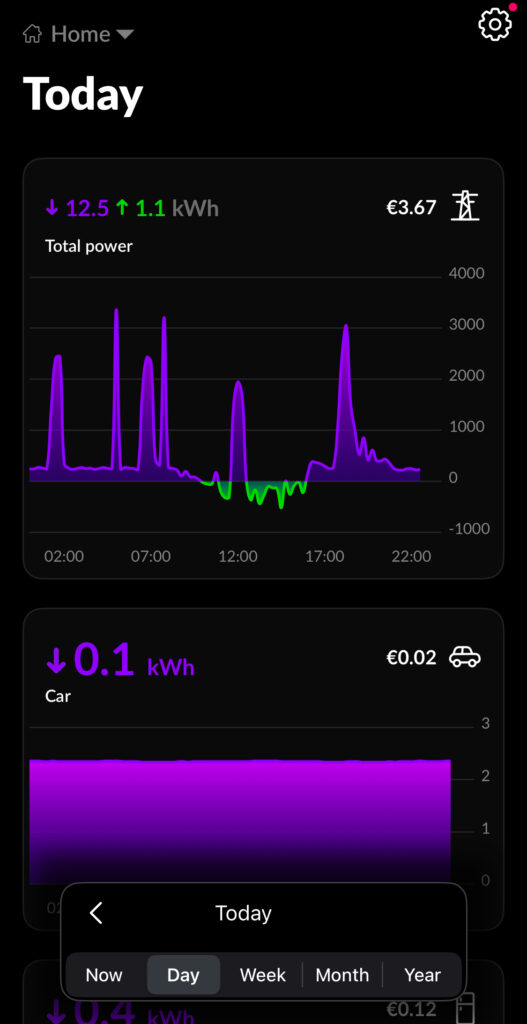
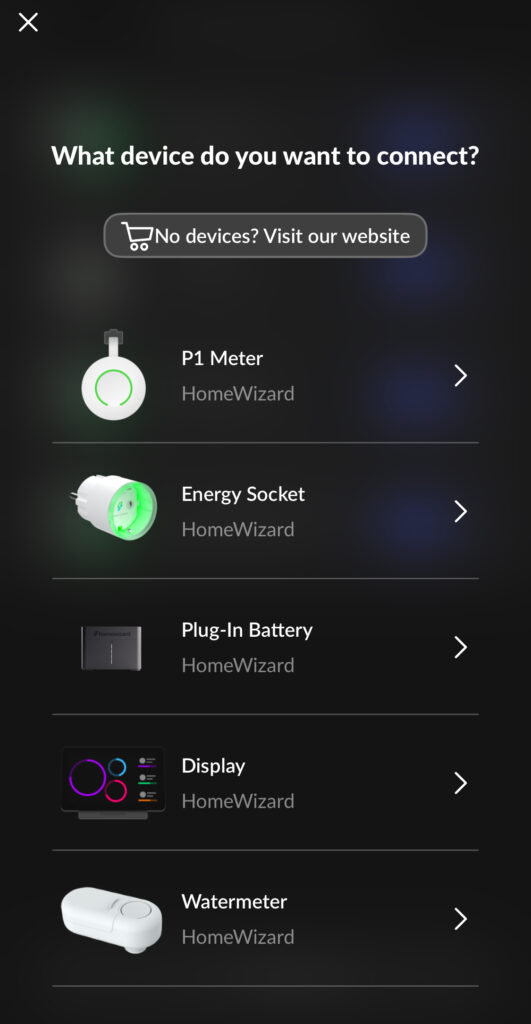
The cloud-based app allows you to visualise the data in real-time on the app and keeps by default the data for the last 12 months. After that, you’ll need to pay an extra 12€ per year. But with Home Assistant, we can keep the data locally, for free and do much more.
Next to the P1 meter, it also supports other devices from HomeWizard (smart plugs, water meter, …) and solar inverters from major brands to give you a nice view of your overall power consumption.
- Free (to visualise)
- Beautiful
- Supports other devices
- Paying for advanced options
- Cloud-based
Home Assistant integration
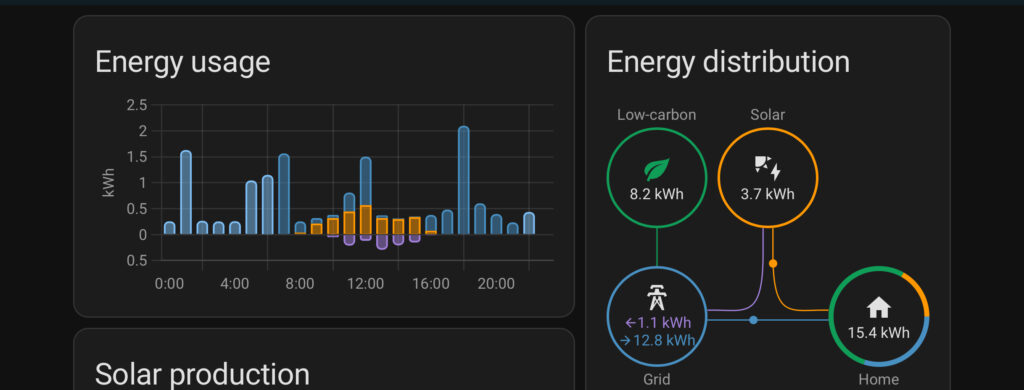
Thanks to its local API, the HomeWizard P1 allows you to hook it up with Home Assistant without any internet connection. HomeWizard is one of the built-in integration and allows you to use the P1 meter but also other devices from HomeWizard (smart plugs, water meter, …)
Conclusion
The HomeWizard P1 meter coupled with Home Assistant is, for me, the best option. Cheap, running locally and with almost unlimited possibilities, it is the basis of our smart home automation at SmartNest.be